
MKCinema › iPhone and iPad
Install guide
MKCinema on iPhone and iPad.
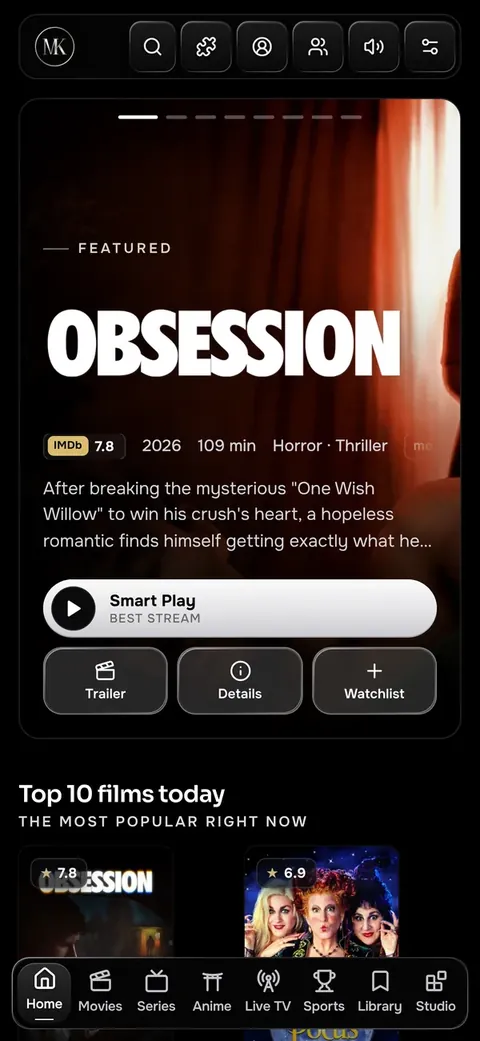
There is no App Store download. MKCinema runs as a web app that you add to your Home Screen, and then it opens full screen like any other app.
Add it to the Home Screen
- Open
app.mkcinema.appin Safari. - Tap the Share button.
- Choose Add to Home Screen, then Add.
Open it from the new icon. Sign in with email and password and your library, progress, addons and settings follow you from your other devices.
What works on iPhone
- The built-in player, with most MKV files playing right in the browser.
- Watch parties, and your phone as a remote for another screen.
- Bigger words, posters and episode cards on phones, adjustable in Settings › Appearance › Text size.
Safari cannot decode every format. When a file will not play, MKCinema can hand it to a player app in one tap.
Questions, answered.
Is there an App Store app?
No. The web app on your Home Screen is how MKCinema runs on iPhone and iPad.
Does it work on iPad?
Yes, the same way. Add it to the Home Screen from Safari.
Will I lose my place if I switch devices?
Not if you sign in. Progress syncs across your devices.