
MKCinema › MKV in the browser
How it works
Play MKV files in the browser.
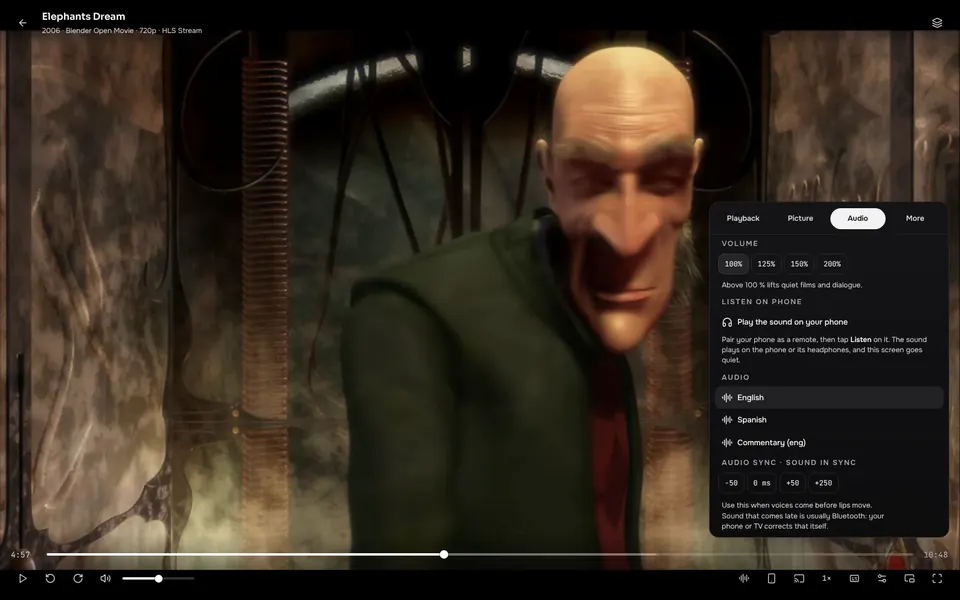
Browsers do not normally play MKV files, and many films have Dolby or DTS sound that browsers drop without a warning. MKCinema deals with both inside the app.
What happens behind the scenes
- MKV. MKCinema repackages the file on your device as it plays, so the browser can play it. The picture is not re-encoded.
- Dolby and DTS audio. This sound is converted to AAC on your device so you hear it.
- Subtitles and chapters. The subtitle tracks, chapters and fonts inside the file are listed, and fetched without downloading the whole file.
- HEVC (H.265) video. On computers there is an optional software decoder, off by default.
When a file still will not play
Some files are too heavy or use formats a browser cannot handle. MKCinema then tries the next best source, and you can also open the stream in VLC in one tap. VLC plays nearly everything.
Questions, answered.
Does it need a plugin or server?
No. The conversion happens in the app. A companion server is optional and adds more audio conversion for heavy files.
Is the picture quality reduced?
No. Video is copied as it is, only the container and unsupported audio are converted.
Why recommend VLC?
Browsers cannot decode every format. VLC can, and MKCinema hands a stream to it in one tap.